
BombitUP APK Download (2026): Latest Version, Features, Risks & Safety Guide
Free Download BombitUP sms bomber app for Android to send unlimited prank SMS and calls to any phone number anonymously. You can also use Bombitup message bomber online for SMS Blast.
Important Note: This SMS Bomber app is for fun only. Please use it responsibly. Users are responsible for their own actions.
Bombitup Online Tool
This guide explains everything about the BombitUP APK, including how it works, its key features, installation, safety considerations, and how to protect your phone number from unwanted SMS and call flooding.
What Is BombitUP?
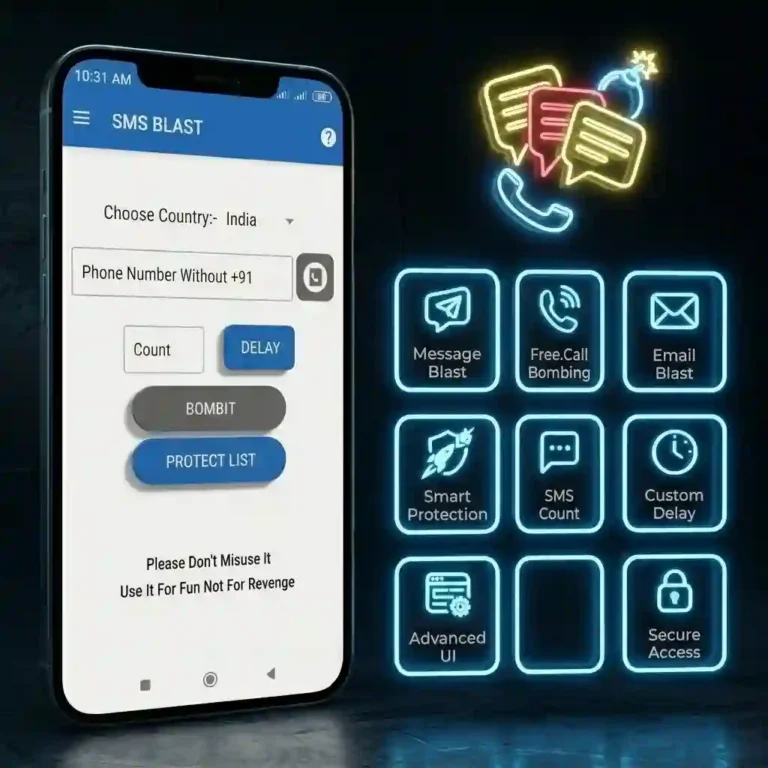
BombitUP is a free SMS and call bomber app for Android that allows users to send unlimited prank messages, automated calls, and bulk emails to any phone number anonymously. One of the most downloaded prank apps in South Asia, with over 10 million downloads and a 4.5-star rating across platforms.
It is also available online as BombitUP, a browser-based version that requires no download or installation. This app is a pranking tool for friends and family. However, using it against someone without their consent constitutes harassment, which is illegal in many countries.
Key Fact:
This cannot be accessed via the Google Play Store. It is distributed through the APK file format and can be obtained from the official website and other external platforms.

BombitUP APK Details
| APP Name | Bombitup |
| Size | 10.2 MB |
| Version | 4.9.2 |
| Android Require | 5 or Above |
| Downloads | 100 M+ |
| Category | Entertainment/ Prank App |
| Last Update | Hour Ago |
| Price | Free/$0 |
How to Use BombitUP Online Without Downloading?
A significant number of users look up “BombitUP online” since they do not wish to download an APK to their phones. The online BombitUP tool functions only within the browser.
Important warning: Even browser-based tools can collect your IP address, device information, and browsing data. “No download” does not mean “no risk”.
To know more about bombitup online visit this
This version includes features and fixes some problems from the old version. It is advisable to always use the latest version of BombitUP, available from the official website.
How does BombitUP work?
BombitUP is designed to send a large number of SMS messages or phone calls to a single phone number in a short time. It does this by using online services to generate repeated requests, which can overwhelm the recipient with notifications.
How well the app works depends on the services it relies on, so its performance can vary over time. Because it can be used to send unwanted messages or calls, using it without someone’s permission may violate local laws or platform policies.
Message limits for different countries:
Message limits vary according to country:
These are the features that this version offers
SMS Bomber
Send unlimited BombitUP SMSes to any number. You can control the delivery speed between 1.5 and 3.5 seconds per message. The default is 2.5 seconds. Messages arrive from legitimate-looking sources, making the source untraceable.
Call Bomber
The BombitUP call bomber APK is a thing that makes lots of automated calls to a phone number. The person who gets these calls will see lots of missed calls, and the phone will keep ringing until they turn it off or someone stops it. People look for things like the BombitUP call APK latest version. Bombitup calls the app to use this feature.
WhatsApp Bomber
One of the most violent features is the WhatsApp bomber flooding a target’s WhatsApp inbox with a massive volume of messages. This can crash the WhatsApp app or even the entire phone if the volume is set too high. The recommended range is 50–500 messages to avoid crashes on both devices.
Email Bomber
The BombitUP email bomber sends bulk emails to any email address. While marketed as a prank feature, it can also significantly disrupt professional inboxes.
Protect Me Feature
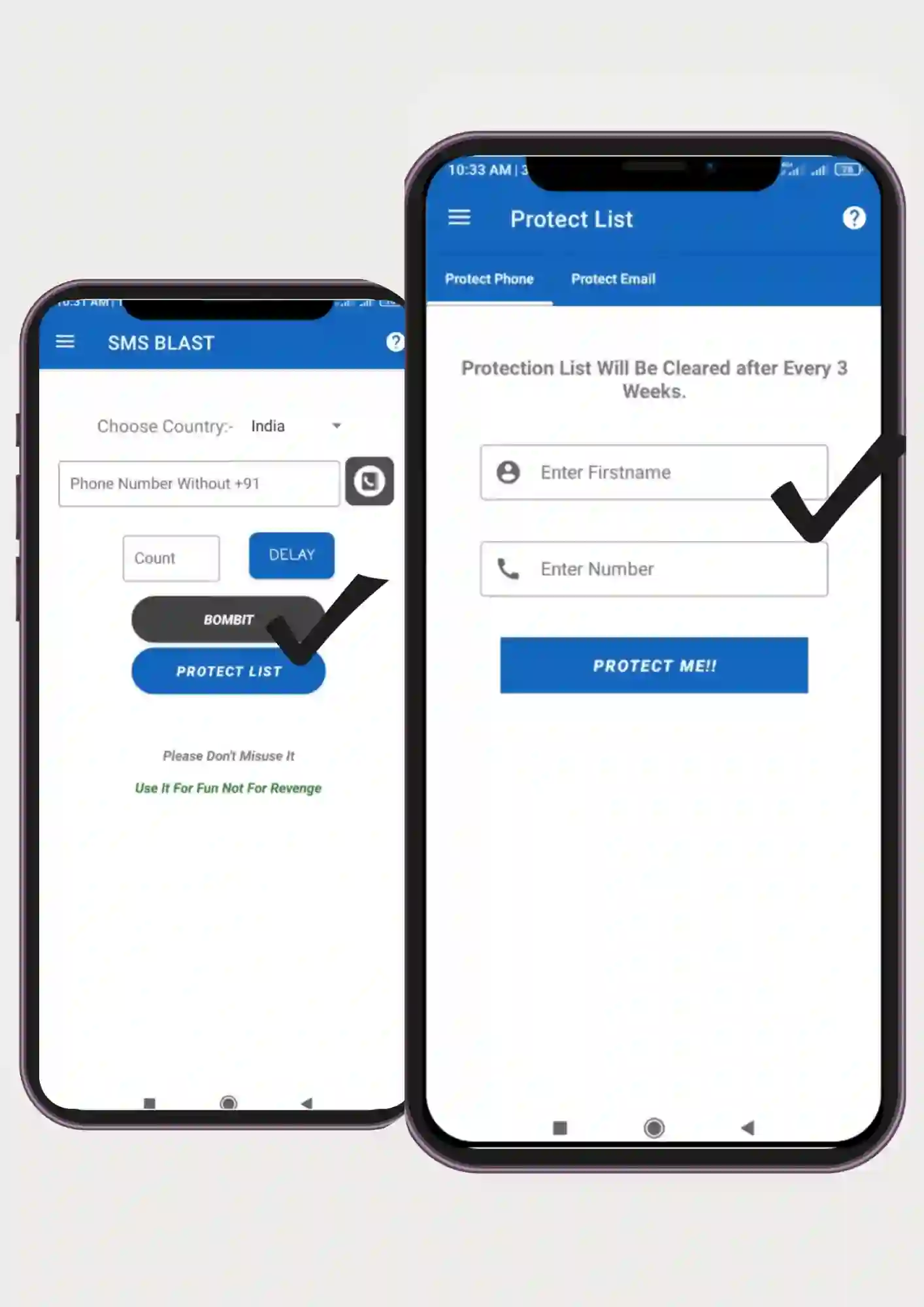
This is an important and often-overlooked feature. Users can add their own phone number to a “Protect Me” list directly inside the app.Once added, that number becomes exempt from targeting by BombitUP by any user on any device using the app.
If you are being targeted, this is the first thing you should try. More on this in the protection section below.
Stop Button
A prominent Stop Sending button appears whenever a bombing process is running. Clicking it immediately halts all active requests. This works on both the app and the online version.
Is BombitUP safe?
BombitUP is not completely safe. While the app itself is designed to send large numbers of messages and calls, it can be misused to harass others and may violate local laws or platform policies. In addition, unofficial or modified APKs can pose security risks, such as malware or spyware. Before using any APK, understand the potential legal and security implications.
Legally: An unsolicited mass message or phone call can violate telecom laws and result in the sending of a formal complaint of harassment.
Bottom line: The official app from a verified source may be technically safer than fake APKs, but using it irresponsibly is never safe for the target.
How to Download Safely Bombitup messaging app
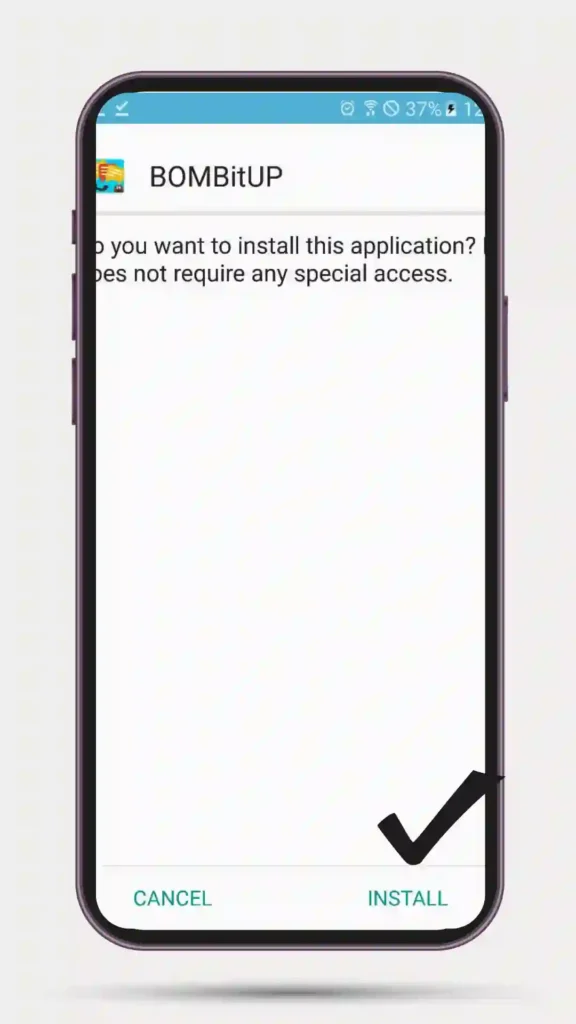
Download sms bomber from this website is very easy and simple to stay safe
Searching for “BombitUP app free download” and “APK Pure BombitUP” often leads to mirrors. The official BombitUP source is always the choice.
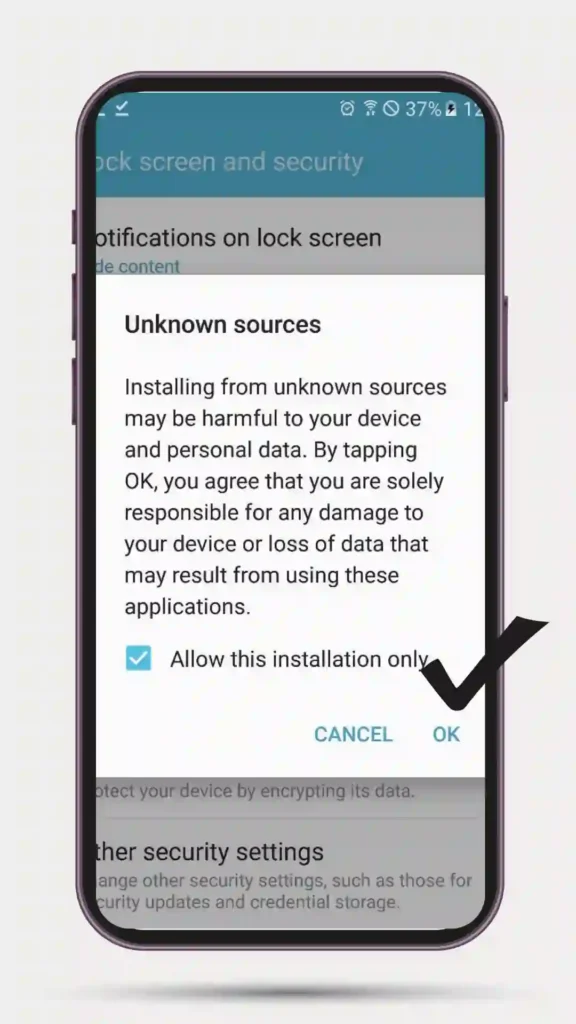
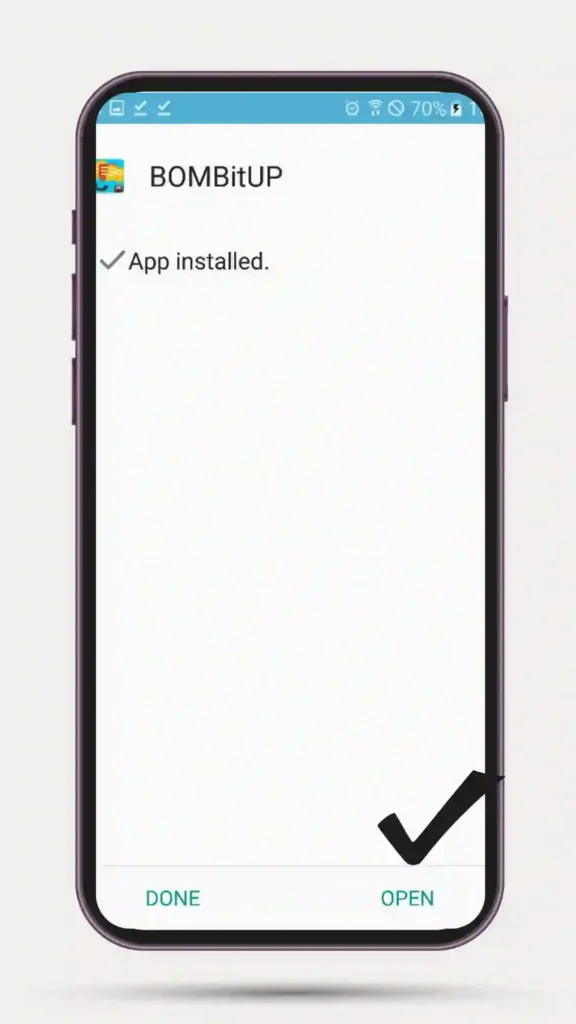
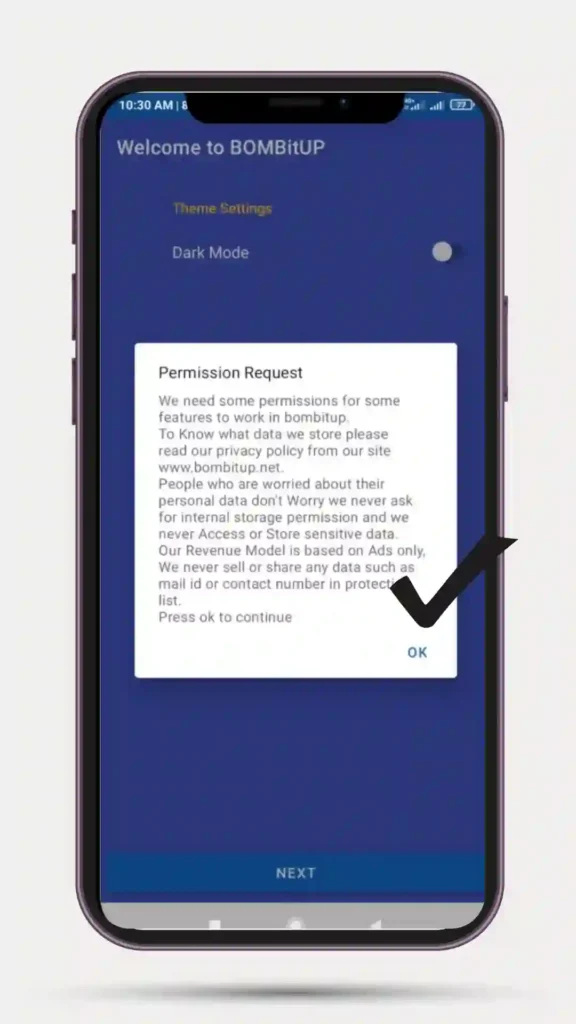
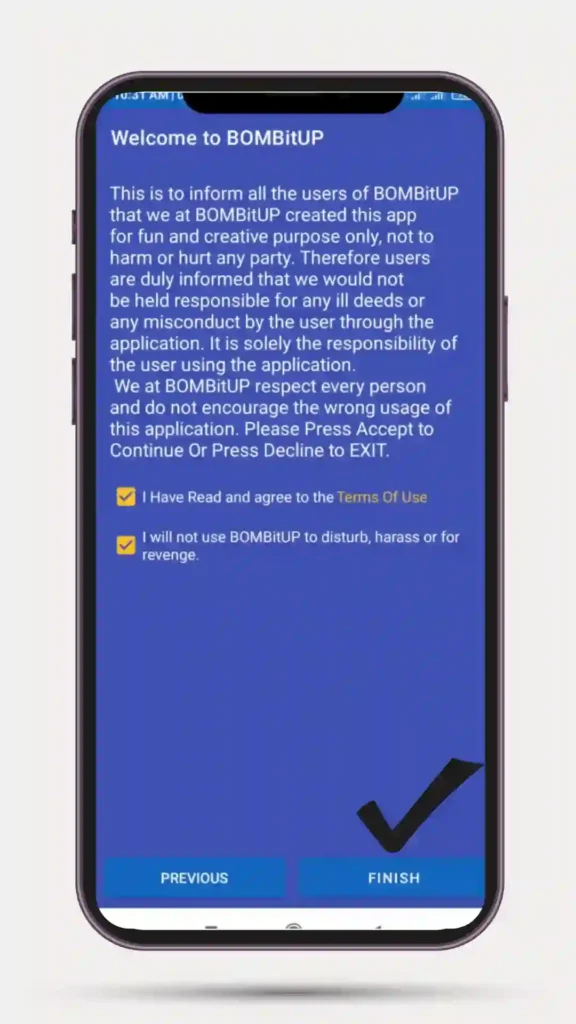
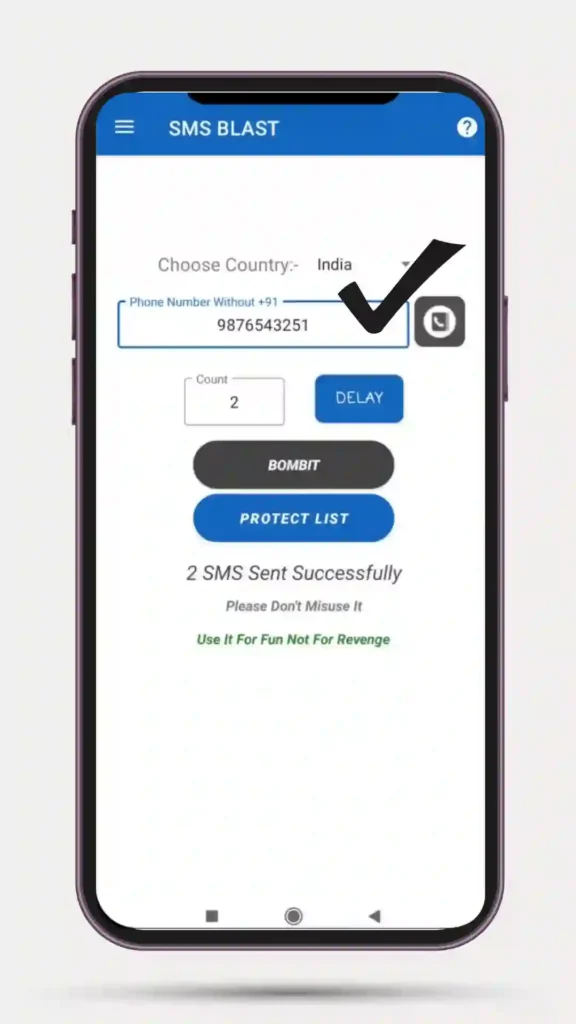
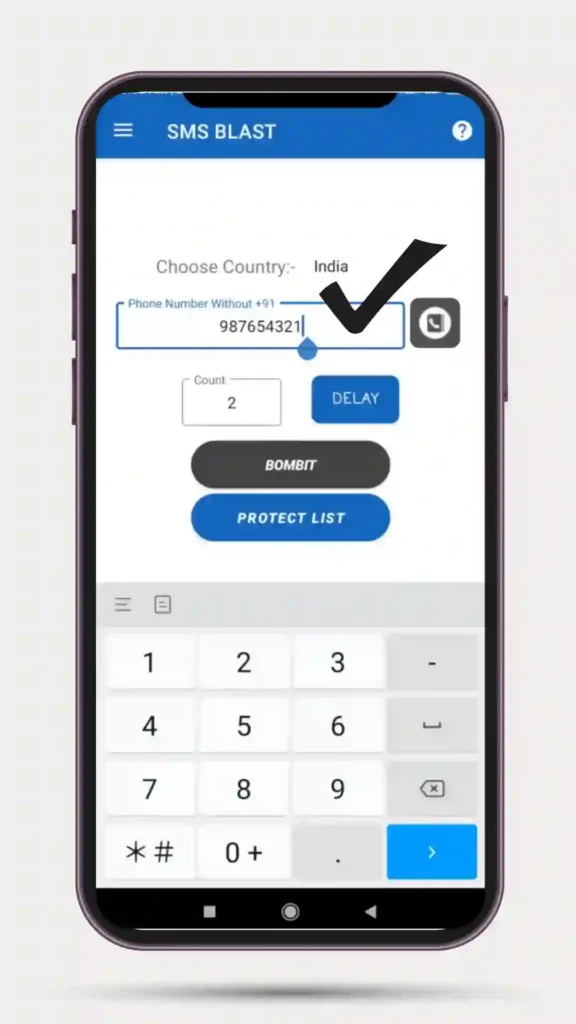
BombitUP Guide for Android, Windows, and iOS
Searches are common for “for Android”, “Windows”, and “works on iPhone”.
Complete compatibility. The BombitUP APK is downloaded and installed directly. Needs Android version 5.0 or above. All functionalities operate natively.
BombitUP’s native application is not available. If you want to run BombitUP on a PC, you should install an Android emulator such as BlueStacks first. Once done, APK files are loaded into BlueStacks and work just like on an Android smartphone or tablet.
Incompatible. The Apple App Store policy restricts applications like BombitUP from being made available on its platform.
How to Protect Your Number
If your number is receiving messages, there is a step-by-step BombitUP protection strategy:
Step 1: Make use of “Protect Me”
If you think the attacks originate from the BombitUP app, visit the official website for this service or open the app on your device, then enter your phone number in the “Protect Me” option. This will immediately block your phone number from receiving any more calls or messages.
Step 2: Enable Spam Filtering on Your Device
There are features available to protect from spammers on both Android phones and iPhones. You have to activate these features.
Step 3: Block the Numbers.
Block all the numbers that have been constantly messaging. In case of a call bombing, activate the Do Not Disturb mode except for those numbers saved in your contact list.
Step 4: Ignore Unexpected OTP Messages.
Getting unexpected OTP codes means SMS bombing is occurring. Do not give these codes to anyone who may try to access your accounts.
Step 5: Reach Out to Your Telecom Carrier.
If you are receiving constant spam calls or messages, contact your network carrier and ask for assistance.
Step 6: Limit Where You Share Your Number.
Many BombitUP-style systems harvest numbers from public websites, web forms, and social media profiles. Reducing your digital footprint helps prevent targeting.
These are real problems that real people face
You can search for “how to stop BombitUP messages”, “how to block BombitUP”, and “stop BombitUP messages”.
This is what really works:
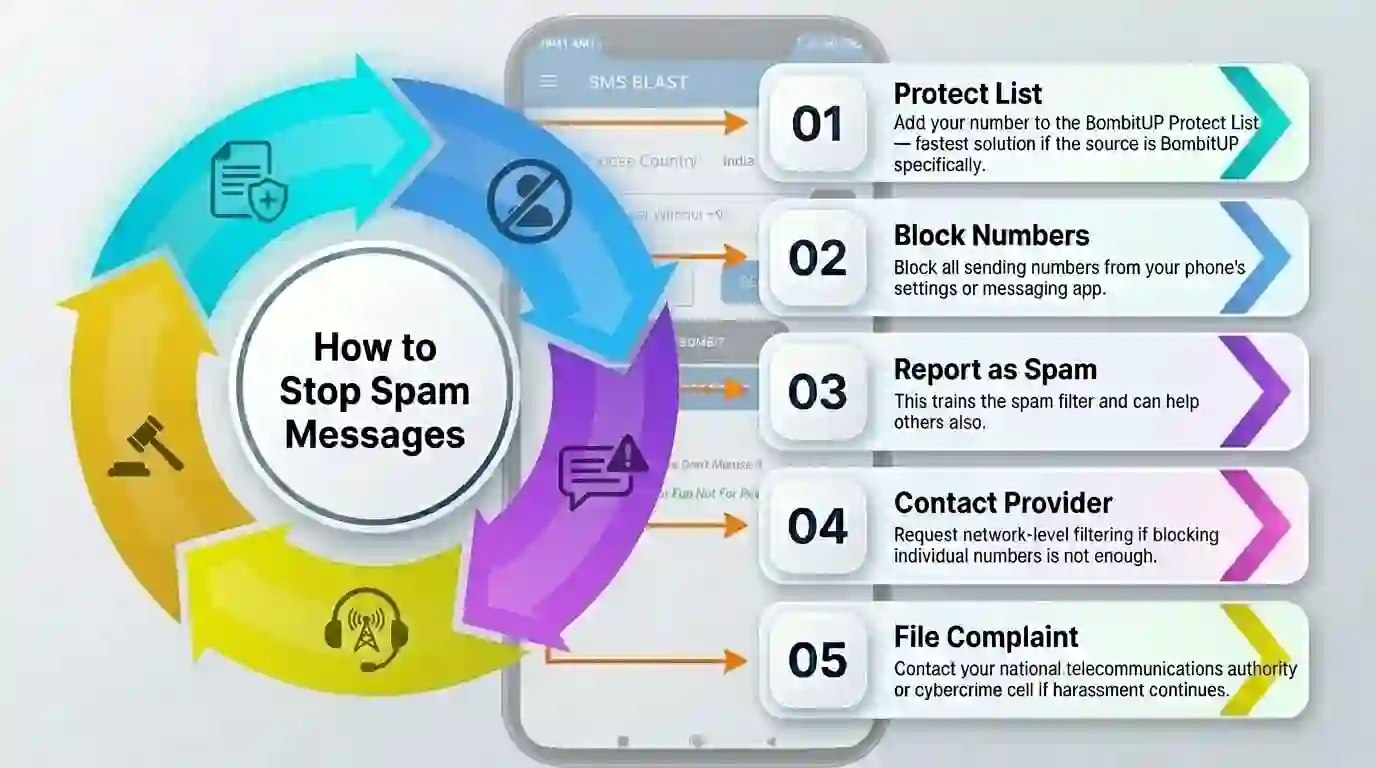
When people search for a “BombitUP review”, they tend to find two very different types of opinions.
- Positive reviews
Highlight that the app is free, easy to use, regularly updated, and works across 10+ countries. The multi-API system is praised for being more reliable than competing SMS bombers and makes it best app for message bombing.
- Negative experiences
cluster around three issues: fake APK files containing malware from unofficial sources, tools that stop working after telecom restrictions, and users who did not understand the legal risk before targeting someone.
The app functions as advertised when downloaded from the correct source. The real problem is that it is frequently misused beyond the light-hearted prank context for which it was designed.
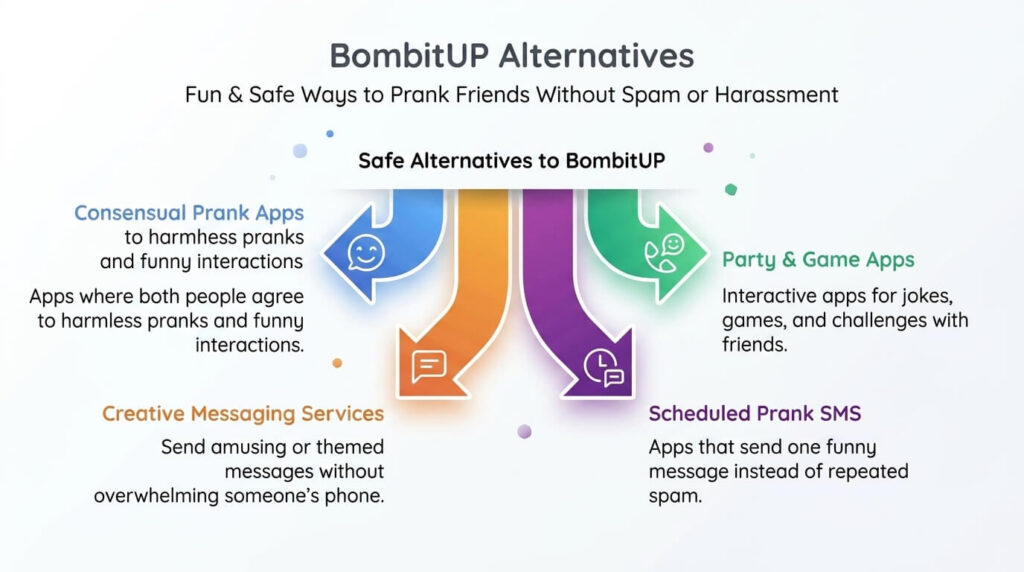
Other Alternatives to Better Safety Choices
Other searches include “BombitUP alternative”, “similar apps to BombitUP”, and “apps like BombitUP”.
Good alternatives include:
- Consensual prank apps — apps in which both parties consent to being pranked
- Creative messaging services — apps used to send amusing messages without spamming
- Scheduled prank SMS apps — apps that will send one amusing message instead of sending many, this means you will not be harassed or have any malicious software on your phone.
Common Errors and Fixes
Many users report “BombitUP not working” issues. These are the most common causes and fixes:
The app relies on external API servers. During peak hours, these can slow down or go offline temporarily. Wait a few minutes and try again.
If you are not using BombitUP v4.9.2 (the latest version), APIs from older versions may no longer work. Update from the official source. Do not search for a “BombitUP APK new version” on random sites — go only to the official website.
Mobile networks detect and block spam traffic patterns. If messages are not being delivered, this is likely why. This restriction is applied at the network level and cannot be bypassed by updating the app.
Older versions of the app are not optimized for newer Android versions. If the BombitUP app keeps crashing, update to the latest mod apk version or reinstall.
Frequently Asked Questions
Conclusion
Make an informed decision before using BombitUP. You already know all about it, from how it works, the ‘Protect Me’ feature, and download security, to how to put a stop to it when your number becomes a target. What comes next is what you do with this knowledge.
First of all, use BombitUP only with permission and in accordance with the law. If you are the victim, use spam filters and the ‘Protect Me’ feature, and contact your phone service provider.